
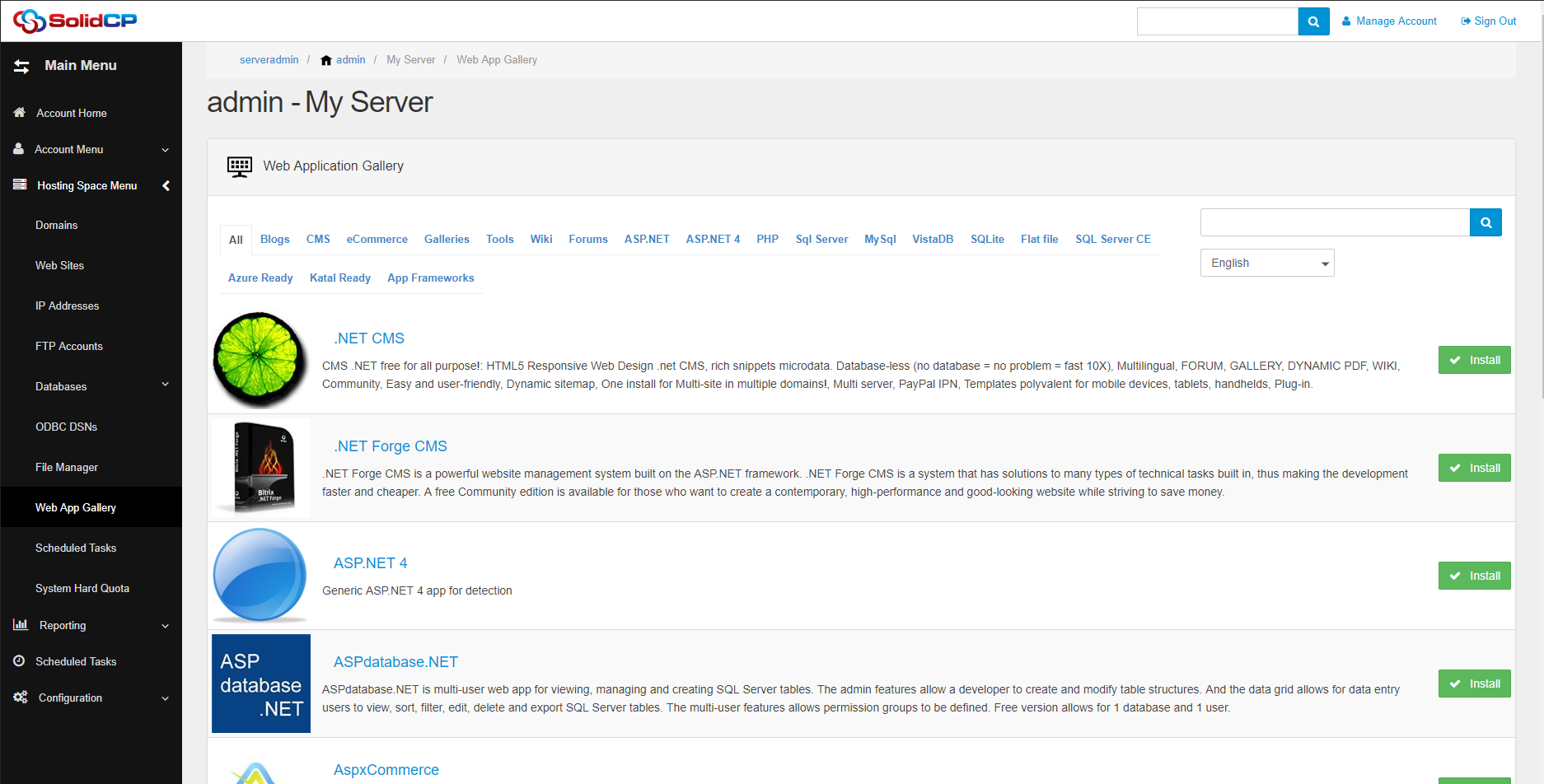
Web App Gallery Setup
01 - 06 - 2021Enable MFA on Account
01 - 02 - 2023SolidCP detects whether the selected language reads left to right (LTR) or right to left (RTL). Different text directions may require different themes.
Add a theme
Run the following SQL query to add a theme:
INSERT [dbo].[Themes] ([ThemeID], [DisplayName], [LTRName], [RTLName], [Enabled], [DisplayOrder]) VALUES (2, N'SolidCP V2', N'SolidCP V2', N'SolidCP V2', 1, 9)Theme fields
- ThemeID: The ID number of the theme.
- DisplayName: The name listed on the login screen.
- LTRName: The left-to-right language theme, named after its folder in
App_Themes. - RTLName: The right-to-left language theme, named after its folder in
App_Themes. - Enabled: Whether the theme is enabled. 0 means disabled; 1 means enabled.
- DisplayOrder: The order in which the theme appears. Lower numbers appear first.

- Co-Founder of SolidCP/FuseCP
- More then 15 years of experience with Linux and Unix.
- Open source enthusiast