

Howto Manual Update SolidCP
24 - 05 - 2021Add new theme in v1.4.9
31 - 01 - 2023Unsupported: this Web App Gallery setup is no longer available. Microsoft retired Web Platform Installer (WebPI) and its official feed. Do not follow this guide to set up or troubleshoot the gallery; it is retained for historical reference.
Microsoft ended WebPI support on 1 July 2022 and retired the product and its official feed on 31 December 2022. See Microsoft’s Web Platform Installer retirement notice. The feed URL and screenshots below describe the former setup, not a supported installation method.
WebPI and the Web App Gallery are different from Web Deploy, which is used to publish or migrate websites to IIS. Microsoft documents Web Deploy 4.0 separately; the retirement of the gallery feed does not mean Web Deploy has been retired.
Historical feed errors
The original guide assumed SolidCP and either MySQL or MSSQL were installed and listed these possible feed errors:
- Unable to access given URL
- First given feed is unavailable
- No URL given

Former feed settings
The original instructions recommended upgrading SolidCP, opening System Settings and expanding Web Platform Installer Settings.


Former feed configuration
The former process used Add Feed to add custom feed fields, followed by Save Settings. The original article did not list a custom feed URL.
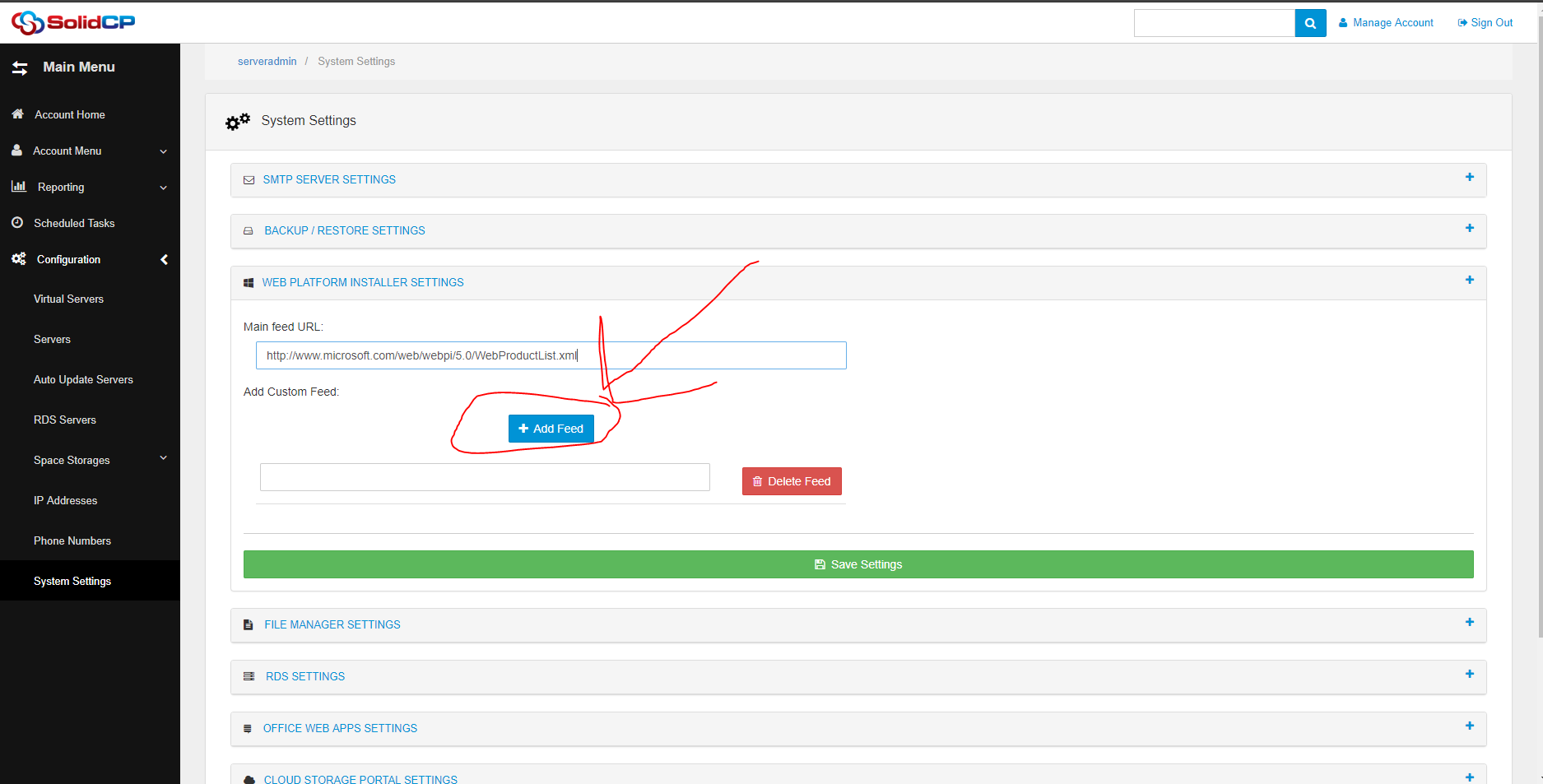
The main feed URL recorded in the original article was:
https://webpifeed.blob.core.windows.net/webpifeed/5.1/WebProductList.xml

Former gallery view
The screenshot below shows the application list as it appeared when the original guide was written. It does not indicate current availability or support.
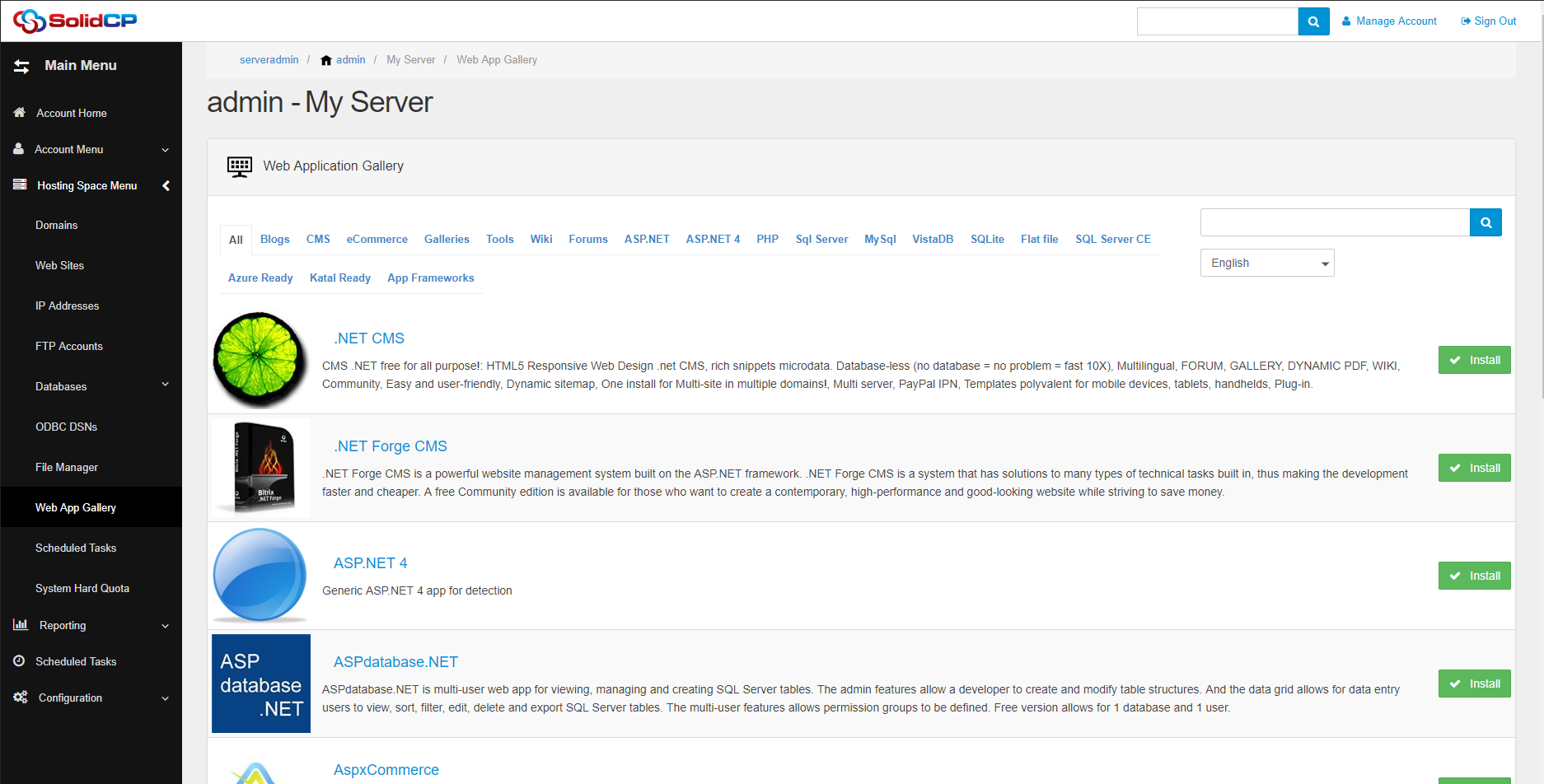
For questions about SolidCP, visit the SolidCP support forum.

- More then 15 years of experience with Linux and Unix.
- Open source enthusiast