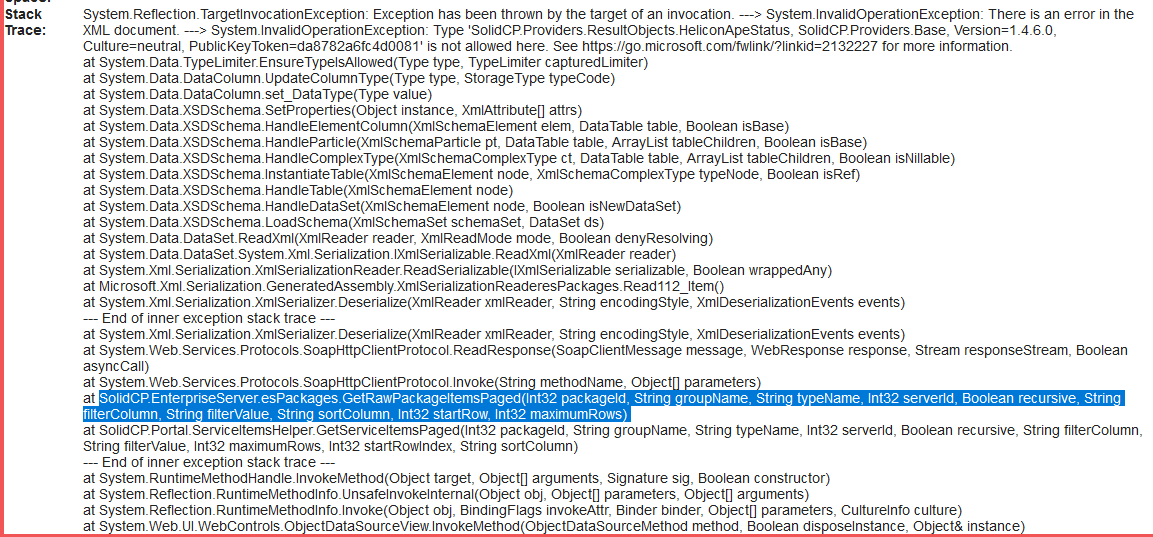
Websites listing xml error
17 - 07 - 2020
Version 1.4.7 has been released
11 - 08 - 2020This guide describes how to connect SolidCP to a remote SQL Server installation on Ubuntu 18.04. It was written for SolidCP 1.4.7 and later; check compatibility before applying it to a newer environment.
Before you begin
The original configuration assumes:
- SolidCP 1.4.7 or later.
- SQL Server installed on Linux.
- A UNC share on the server running SolidCP Server.
- The Microsoft ODBC Driver for SQL Server installed on SolidCP Server.
Configure Ubuntu
Install cifs-utils:
apt-get install cifs-utilsThe original guide uses the following example in /etc/fstab. Replace the example paths and account details for your environment. Do not store a real password directly in a widely readable configuration file; use a protected credentials file instead.
//SCPServer/SQLBackupTmp /mnt/sqlbackuptmp cifs username=SQLBackupTmp,password=password,uid=mssql,_netdev,x-systemd.automount 0 0Configure SolidCP
In the database provider settings, enter the database location and backup paths:
- Databases Location: The local database directory. The original guide gives
/var/opt/mssql/data/as the default. - SolidCP Server backup path: The Windows location of the share you created.
- Network path or linux mount point: The mount point configured in
fstab.


- Co-Founder of SolidCP/FuseCP
- More then 15 years of experience with Linux and Unix.
- Open source enthusiast